
Verified profiles
Get the verified tick
Verification shows people you're real. It takes a quick face check, and you can also verify your phone number. Both checks are optional.
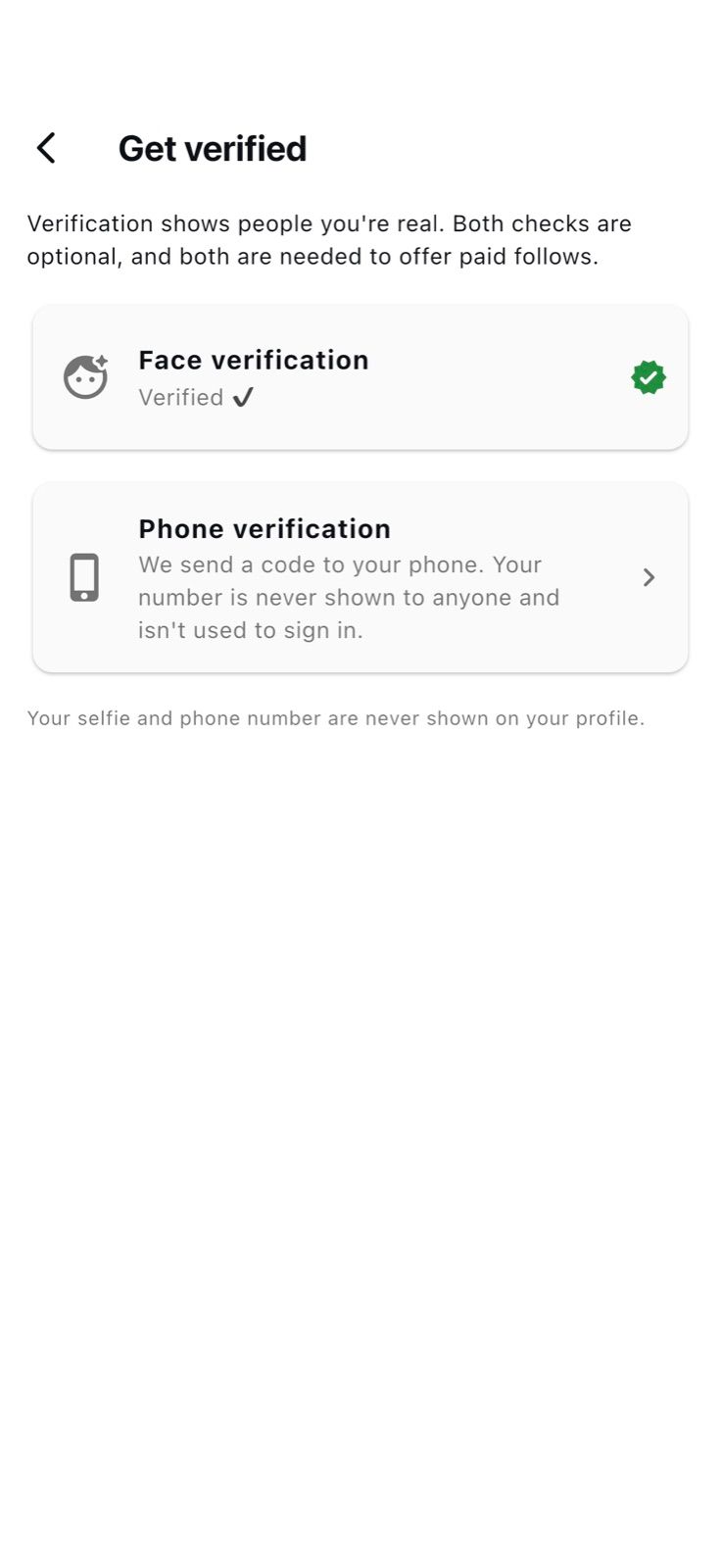
Face verification
How the face check works
- 01
Take a selfie
Look straight at the camera, in good light and without sunglasses.
- 02
Do two quick poses
The app asks for simple gestures, like turning your head, a smile or a thumbs up.
- 03
Our team checks
We compare the photos with your profile photos. This usually takes less than a day.
- 04
Get the tick
The verified tick appears on your profile, and you stand out in People nearby.
Your check photos are seen only by our safety team and are never shown on your profile.
Phone verification
Optional, and never shown
We send a code to your phone. Your number is never shown to anyone and isn't used to sign in.
- Face verification gives you the verified tick.
- Phone verification is optional and stays private.
- Both checks are needed to offer paid follows as a creator.
- Verified members stand out in People nearby.
How we handle verification data is explained in our Privacy Policy.
